












Featured case study
AI Broadcast Radio Automation: From Prompt to Live Radio Broadcast
One text prompt in. Broadcast-ready audio out written, voiced and delivered on air, hands-free.
Read the case study
Repetitive, rule-based work moved off your team's desks and into reliable automated workflows.
Trusted by
§ Who it's for
We find the manual, repetitive steps that slow your teams down and replace them with automated workflows that run the same way every time. Workflows connect the CRM, ERP and apps you already use, and where a step needs judgment, we add AI to classify, route or predict. You get fewer errors, faster turnaround and people freed for work that needs them.
Orders, leads or invoices are copied from email or one system into another by hand, with errors and delays at every hop.
Requests sit until someone notices them, and nobody can see where a task is stuck or how long it has been waiting.
Someone exports spreadsheets on Monday mornings to assemble the same report, instead of it updating itself.
Onboarding, quotes or refunds take days because each step needs a person to move it along.
Every increase in volume needs more people doing routine processing rather than higher-value work.
§ What we deliver
Choose an area to see the services in it.
Decide what to automate first, based on how work actually flows today.
Custom workflows built, tested and rolled out end to end.
Workflows that span systems, with AI where rules alone fall short.
Common workflows we automate across the business.
Workflows that keep pace as volumes and teams grow.
§ Proof
Featured case study
One text prompt in. Broadcast-ready audio out written, voiced and delivered on air, hands-free.
Read the case study Case studySmart Skincare with Lisa
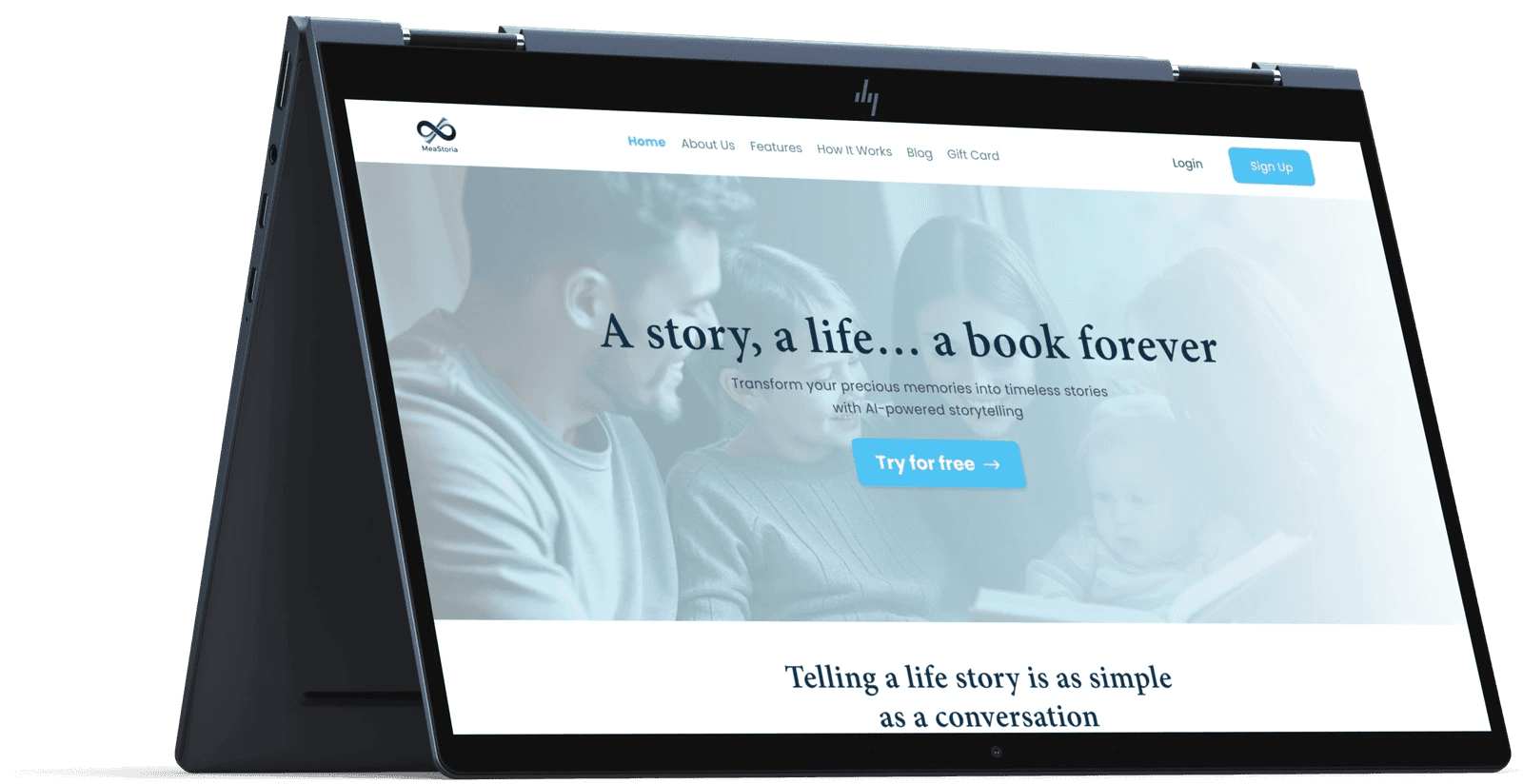 Case studyMeaStoria: AI-Driven Storytelling Platform
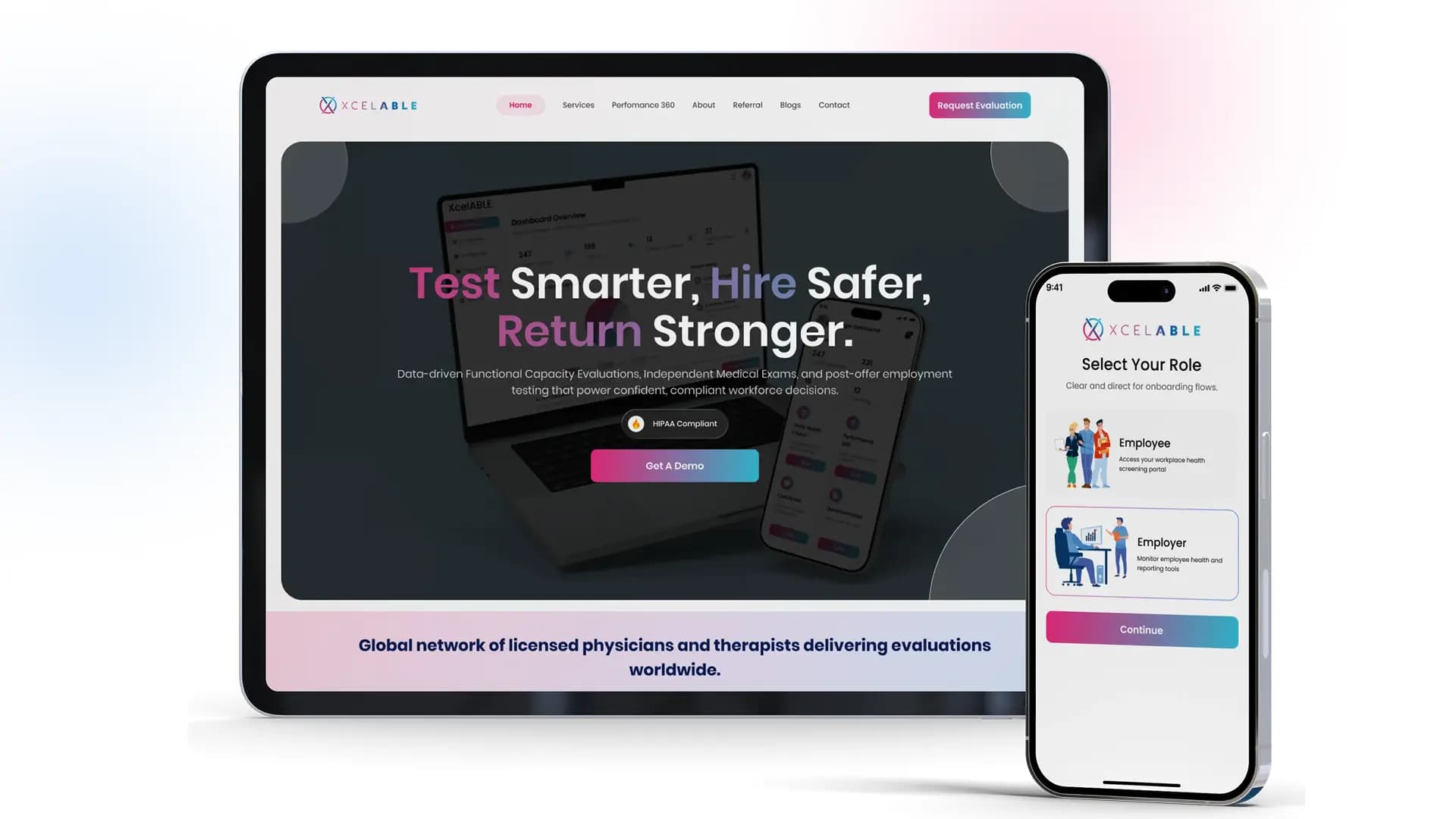 Case studyBuilding a Secure Employee Health & Performance Management Platform – Xcelable
§ Approach
We review daily operations, find the steps causing delays or errors, and pick the tasks best suited to automation.
You receive A prioritized list of automation candidates
We define each step, its dependencies and bottlenecks, and design a cleaner workflow structure before building anything.
You receive A documented target workflow
We choose the platform, such as n8n, Zapier, UiPath or Power Automate, that fits your systems, scale and team skills.
You receive A tool recommendation with integration plan
We build the workflows and test each flow against real scenarios, refining based on your team's feedback.
You receive Tested, working workflows
We roll workflows out across your systems with minimal disruption and watch early performance closely.
You receive Live workflows with initial monitoring
We track performance, find further improvements and update workflows as your business and processes change.
You receive Ongoing performance reviews and updates
§ Tech stack
§ Engagement
A short review of your processes to rank automation candidates by time saved, error reduction and effort.
A defined set of workflows built, tested and rolled out for an agreed price.
Monitoring, fixes and new workflows each month as your processes change.
§ FAQs
Most repetitive, rule-based work is a good candidate. Typical examples are lead management, customer support ticketing, HR onboarding, marketing campaigns, invoicing and other finance tasks, and IT monitoring. If a task follows clear steps and happens often, it can usually be automated. Where a step needs judgment, such as classifying a request, we can add AI to handle it.
We start by learning how the process runs today and who touches it. Then we identify which steps can be automated, design the workflow, build it with the right tool and test it against real scenarios. After launch we keep tuning it based on how it performs.
We work with n8n, Zapier, Make, UiPath, Automation Anywhere and Microsoft Power Automate. The choice depends on your existing systems, data volumes, security needs and who will maintain the workflows. We recommend the tool that fits, not a fixed favorite.
It depends on complexity. Simple workflows can be live in a few days, while multi-system automation with approvals, exceptions and AI steps can take a few weeks. We give you a clear estimate once we have mapped the process.
Yes. We connect workflows to the CRM, ERP and third-party apps you already use, so automation fits around current operations instead of replacing them. We plan the rollout to avoid disrupting day-to-day work.
You do. The workflows, configuration and any custom code belong to you, with no lock-in. We document everything so your team can run it, or we can stay on for monitoring and support.
Start with rules wherever the steps and decisions are predictable; it is cheaper, faster and easier to audit. Add AI steps for parts that need reading or judgment, such as understanding an email or extracting data from a document. Full AI agents make sense only when the path through the task changes from case to case. We recommend the simplest approach that handles your real cases.
Every workflow we build includes error handling. Temporary failures are retried automatically, and anything that still fails is logged and sent to a named person or channel with enough detail to fix it. Nothing is dropped silently, and monitoring shows how many runs succeed over time.
We set up each tool with dedicated service accounts and the minimum permissions required, store credentials in the platform's secure vault and avoid passing sensitive data through steps that do not need it. Where data must stay within your infrastructure, we can self-host n8n or build the workflow in code on your own cloud.
Yes. When a workflow needs complex logic, high volumes or systems without ready-made connectors, we build it in Python or Node.js and deploy it on your cloud, often alongside no-code tools for the simpler steps.
§ In detail
Rules handle predictable steps well. When a step needs reading, judging or writing, we add an AI step, with low-confidence results sent to a person for review.
Invoices, purchase orders, forms and IDs are read automatically and the key fields extracted into your systems.
Emails, tickets and requests are classified by topic, urgency and sentiment and sent to the right team or workflow.
Long threads, calls or case notes are summarized, and first-draft replies are prepared for a person to check and send.
Unusual amounts, duplicates or missing information are flagged before they cause a problem downstream.
Clear diagrams of how the process runs today and how the automated version works, including every hand-off and exception.
Automations built in the agreed platform or in code, tested against real scenarios including errors and edge cases.
Retries, fallbacks and notifications so failures are visible and nothing is silently lost.
Service accounts with the minimum permissions needed, documented and stored securely.
Plain-language documentation and a walkthrough for the people who will run and adjust the workflows.
§ Contact
Book a call with a workflow automation specialist. We will look at your current processes and suggest where automation pays off fastest.