
On air
AI Broadcast Radio Automation: From Prompt to Live Radio Broadcast
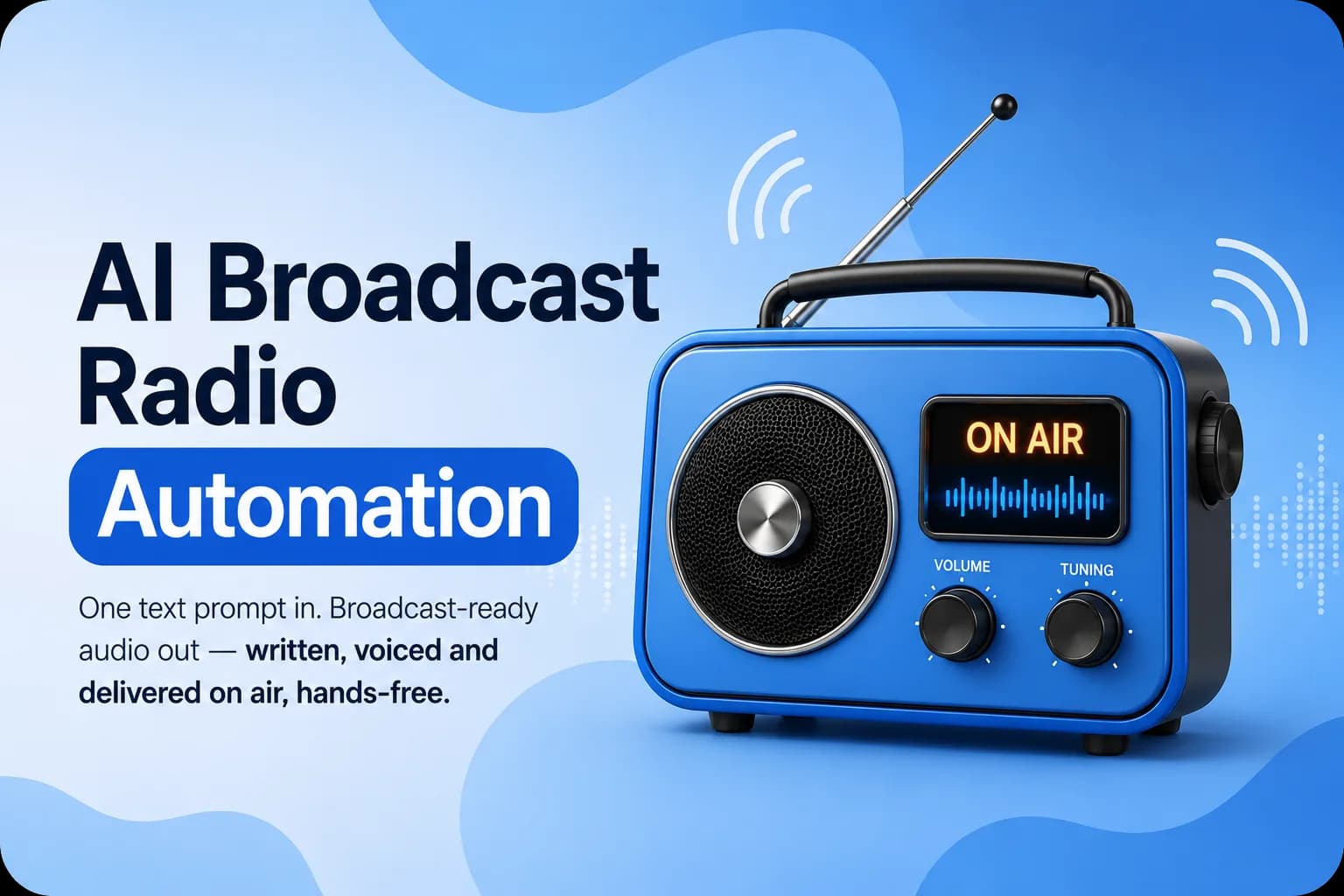
One text prompt in, broadcast-ready audio out: written, voiced and delivered on air without human hands.

- CH01 · Industry
- Broadcast radio
- CH02 · Services
- AI development and automation
- CH03 · AI providers
- OpenAI, Google Gemini, ElevenLabs
- CH04 · Output
- On-air MP3 segments
Station ident
About AI radio automation
We built an AI pipeline that turns a single text prompt into a fully produced radio segment. The system researches the topic live, writes the script in the station's voice, synthesizes speech, renders an MP3 and hands it to the playout system.
The only human input is a plain text file describing the segment. Everything after that, from script to broadcast, runs automatically on demand or on a schedule. The live example produces cruise-port weather forecasts and news headlines with a sponsor line.
Dead-air risks
The challenge
Recurring segments such as weather and news bulletins have to be written, voiced and delivered many times a day, and each one must be current.
Fresh content every run
Forecasts and headlines go stale quickly, so each segment needs live information rather than a fixed script.
No technical skills required
Station staff need to steer content without code or dashboards.
Reliable voicing
A broadcast cannot stop because one speech provider has a problem.
Clean handoff
Finished audio must reach the playout system on time without overwriting earlier files.
Signal path
From prompt to air
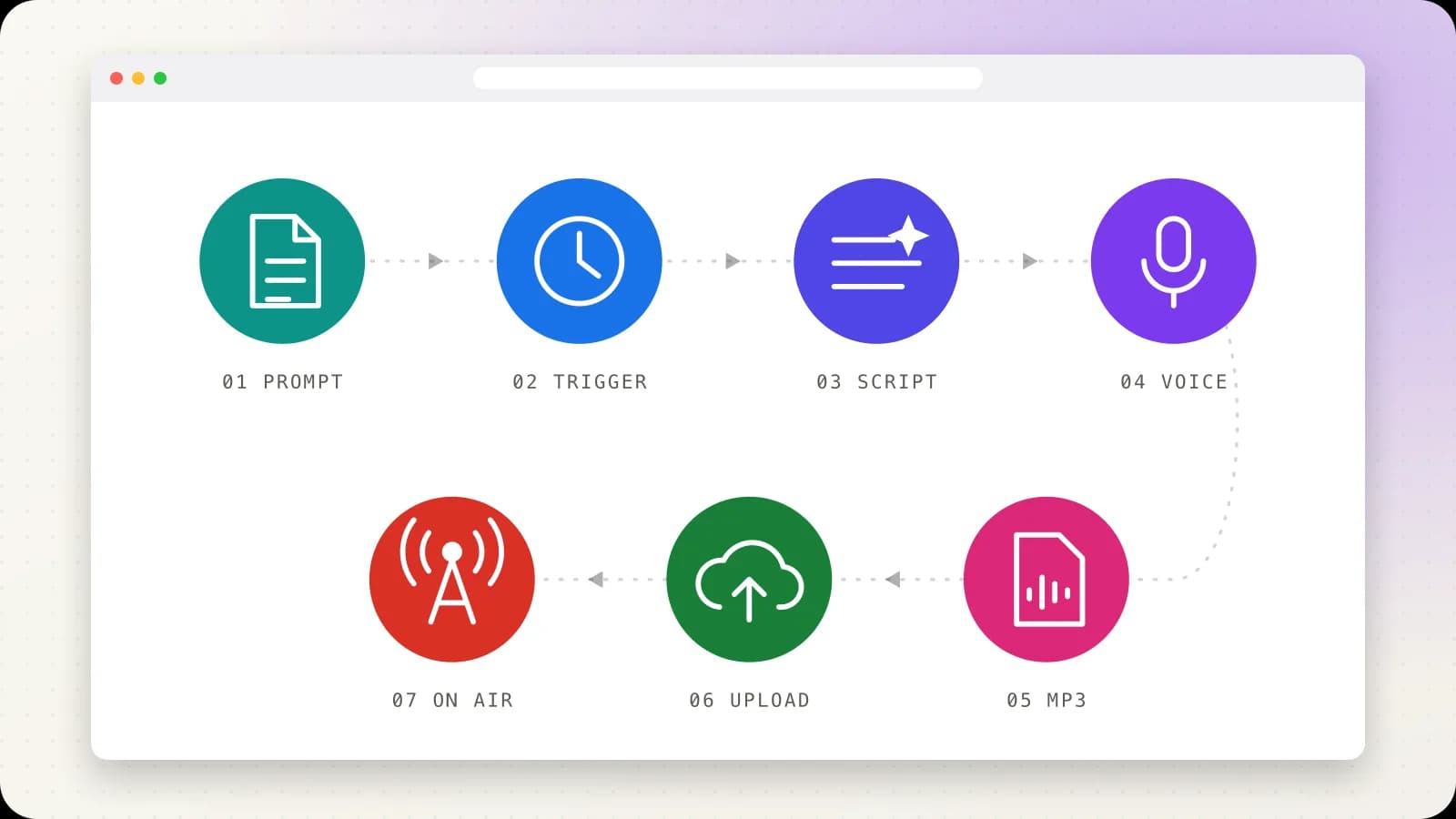
A seven-step pipeline takes the segment from prompt to air.
1. Write the prompt
A plain .txt file sets the cities, tone, length and sign-off. Anyone can edit it and it is the only part a person touches.
2. Choose the trigger
Run it manually with one double-click for breaking news, script tests or overrides, or let Windows Task Scheduler fire it every 30 minutes, twice a day or at any custom interval.
3. Generate the script
The prompt goes to OpenAI with web search enabled, so the model checks what is happening now and writes in the station's voice at the requested length and tone.
4. Convert text to speech
Google Gemini and ElevenLabs turn the script into studio-quality speech guided by voice notes. If one provider fails, the other voices the same script automatically.
5. Render the MP3
The audio is rendered to a finished MP3, stamped with the segment name and exact creation time so nothing is ever overwritten.
6. Deliver to Google Drive
The MP3 is uploaded to a shared Google Drive folder that the playout system watches, ready before anyone looks for it.
7. Go on air
The segment plays on schedule. The clock fires, the pipeline runs and the station keeps talking.
Program rundown
Key features

Manual execution
A single batch file runs the whole workflow instantly, with no configuration, for breaking news or on-the-fly overrides.
Scheduled automation
Task Scheduler jobs run segments such as weather every 30 minutes and news every two hours, around the clock.
Live web research
Scripts are grounded in current information found by web search at generation time.
Provider failover
Two text-to-speech providers back each other up on the same script.
Voice styling
Voice notes shape delivery, from energetic event coverage to a warm weather update.
Timestamped files
Every MP3 carries its segment name and timestamp, giving a clear history of what aired.
Sample bulletins
Demo segments include two event bulletins and a cruise-port weather forecast, each under a minute long.
Inside the product
Design system
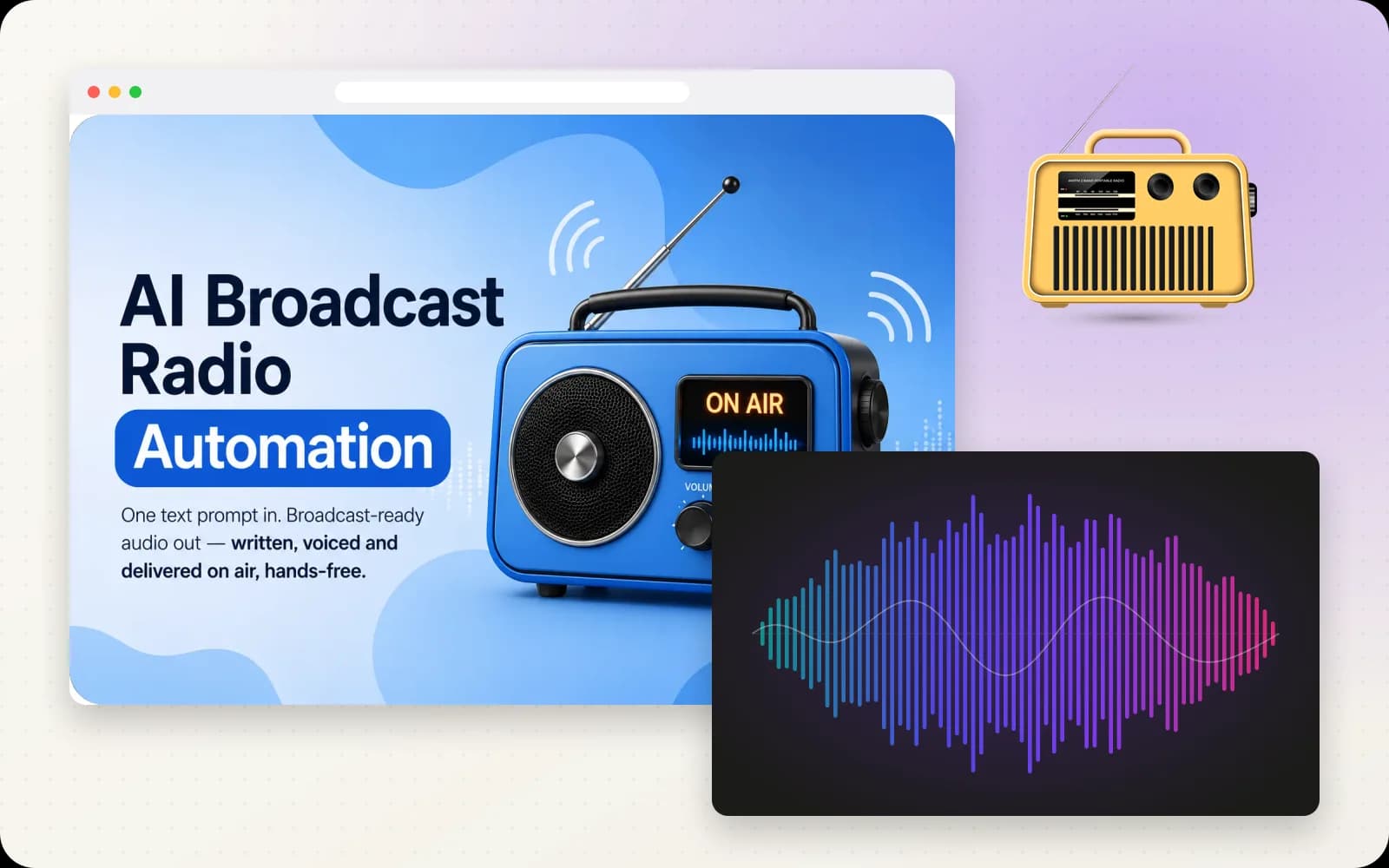
The AI radio automation visual language
Warm paper backgrounds and near-black ink, with one accent color per pipeline step so each stage from prompt to air reads as its own chapter. Interface text is a clean system sans; file names, commands and step labels are set in DM Mono.
Palette
- #0D9488TealStep 1: the prompt file
- #1A73E8BlueStep 2: manual and scheduled triggers
- #4F46E5IndigoStep 3: AI script with live research
- #7C3AEDVioletStep 4: text to speech
- #DB2777PinkStep 5: MP3 render
- #188038GreenStep 6: upload to the shared folder
- #D93025On-Air RedStep 7: on air
Typography
System UI sans
Headings and body · shown here in Inter, an open stand-in
- 400 Regular
- 500 Medium
- 600 Semibold
- 700 Bold
weather_v1.txt → 0930.mp3 · ABCDEFG abcdefg 0123456789
DM Mono
File names, commands and step labels
- 400 Regular
- 500 Medium
weather_v1.txt → 0930.mp3 · ABCDEFG abcdefg 0123456789
UI components
- radio
- mic
- audio lines
- clock
- upload
- volume
- headphones
- calendar
Patch bay
Tech stack
AI
Automation
Delivery
Signal report
Results
Hands-free broadcasting
Once the schedule is set, segments are researched, written, voiced and delivered with no human effort.
Always current
Each run pulls live information, so forecasts and headlines reflect the moment they air.

Resilient voicing
Automatic fallback between speech providers keeps segments on air if one service stumbles.
Simple control
Station staff change what goes on air by editing a text file.
Your station next
Automate your broadcast with AI
Want recurring segments written, voiced and delivered automatically? We can build an AI pipeline around your station's voice and schedule.
Book a Meeting